
If you need to recover your login credentials or reset your payout PIN on 101f Game, the platform provides straightforward recovery workflows through the mobile app and official support channels.
Step-by-Step Recovery Guide
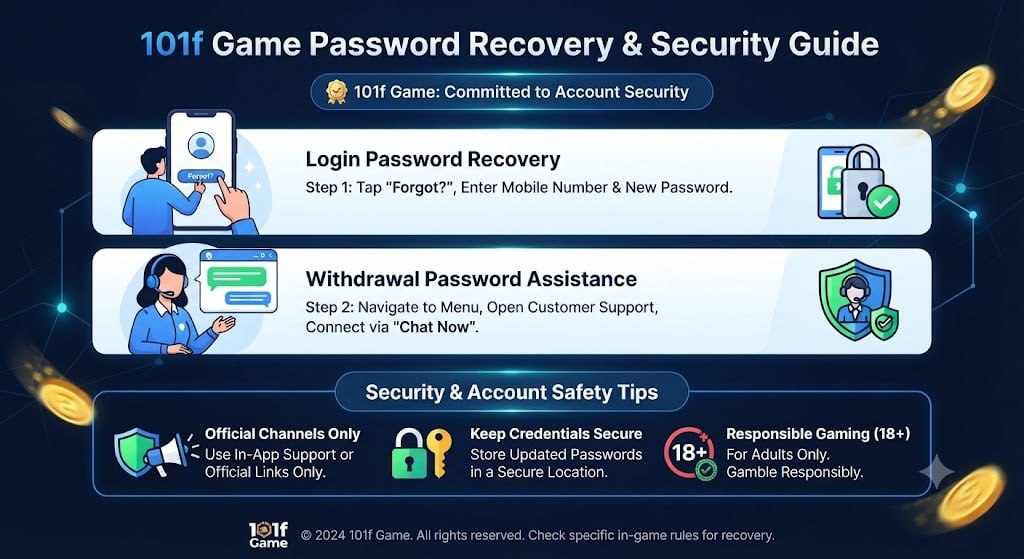
1.Login Password Recovery:Step 1.
Open the app login page, tap the Forgot option (update your app to the latest version if the button is hidden), enter your registered mobile number and new password, submit the received OTP, and sign in with your new credentials.
2.Withdrawal Password Assistance:Step 2.
Navigate to the main menu, open Customer Support, and select Chat Now to connect with a live representative who can assist with resetting your withdrawal/payout password.
Security & Account Safety Tips
Official Channels Only: Always use the in-app support chat or official platform links to reset passwords. Avoid sharing credentials via third-party channels.
Keep Credentials Secure: Store your newly updated login and withdrawal passwords in a secure location to prevent unauthorized access.
Responsible Gaming & Financial Notice (18+ Only): Online gaming platforms involve financial risks. Always approach participation responsibly, protect your account credentials, and never play with funds required for essential living expenses.

[Hands-on Reports]101f Game Password Recovery & Security Guide
Review Hub